Designing the Ultimate WFH Setup: Layouts for Productivity
Stop working from the kitchen table. Here is how to position your desk, manage lighting, and create a Zoom-ready background.
The Cubicle is Dead. Long Live the Home Office.
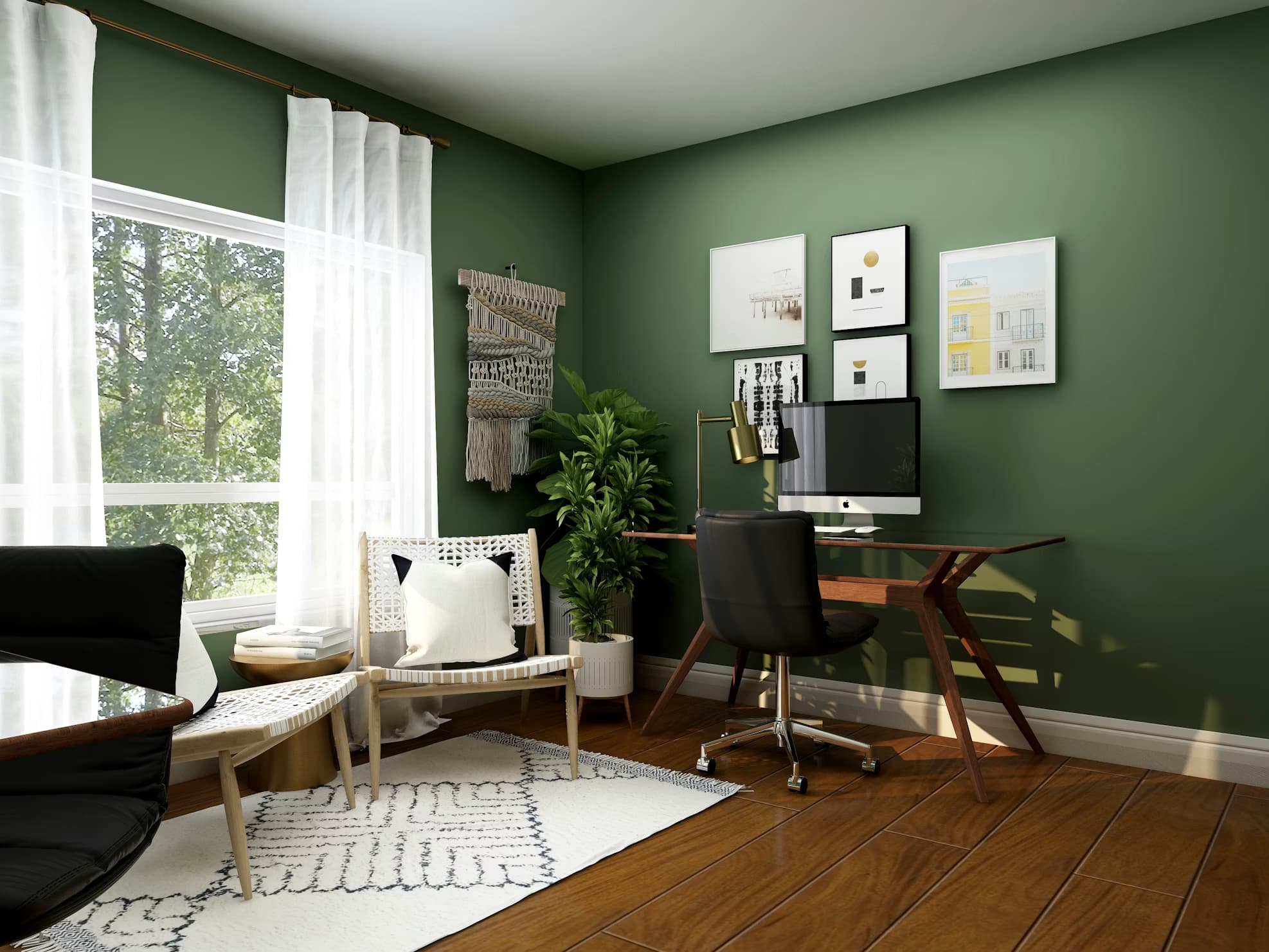
Working from home has shifted from a temporary necessity to a permanent lifestyle for millions. Yet, many of us are still working in makeshift setups that hurt our backs and our focus.
Designing a dedicated home office isn't just about buying a nice chair—it's about placement, lighting, and flow.
1. The "Command Position"
In Feng Shui and modern psychology, the worst place you can put your desk is facing a wall with your back to the door. This creates a subconscious "fight or flight" anxiety because you can't see who is entering.
The Best Layout:
- Position your desk so you can see the door, but are not directly in line with it.
- If you must face a wall, hang a mirror above your desk so you can see the room behind you.
2. Lighting for Video Calls
We live on Zoom and Teams now. Your lighting layout matters.
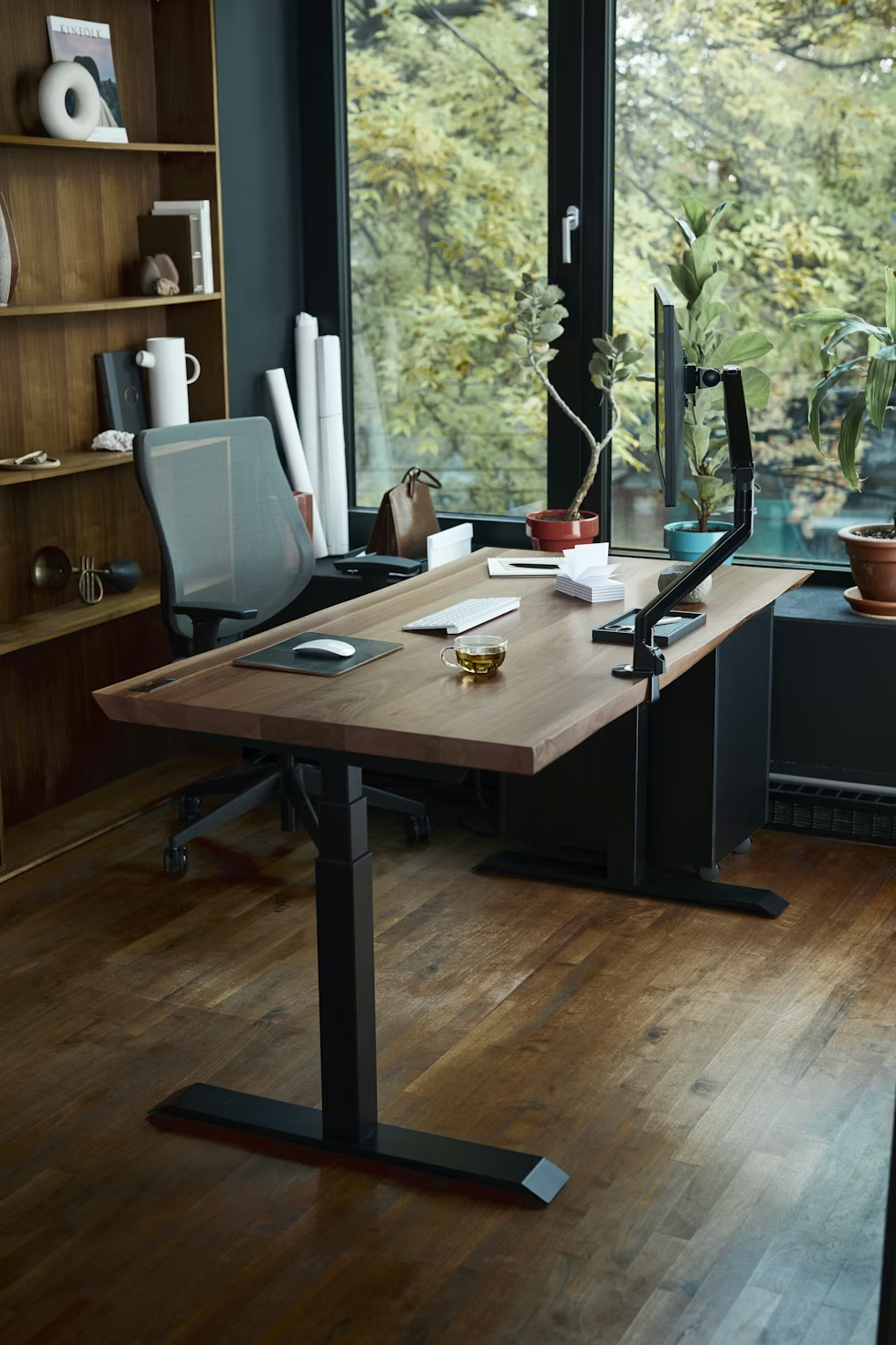
- The Mistake: Placing your desk with a window behind you. This backlights you, turning you into a dark silhouette on camera.
- The Fix: Face the window. Natural light hitting your face is the most flattering. If that causes glare on your monitor, place the desk perpendicular to the window.
3. Minimum Space Requirements
How much space do you actually need?
- Chair Clearance: You need 36 to 48 inches behind your desk to slide your chair back comfortably.
- Desk Size: A standard depth of 24 inches is okay for a laptop, but if you have multiple monitors, aim for 30 inches deep so the screens aren't too close to your eyes.
4. The "Zoom Background"
Look at what is behind you. Is it a messy bed? A pile of laundry?
- Create a dedicated "backdrop zone."
- A bookshelf, a piece of art, or a simple accent wall color (remember the 60-30-10 rule!) makes you look professional.
- Pro Tip: In small rooms, use a folding room divider behind your chair to hide the rest of the room during calls.
5. Visualizing the WFH Flow
Home offices are often squeezed into guest rooms or corners of living rooms.
- Open RoomyLab.
- Draw your room.
- Place a standard Desk (typically 48" x 24" or 60" x 30").
- Check your clearances. If you open the door, does it hit the chair? If you have a sleeper sofa in the room for guests, can it fully open without hitting the desk?
Optimizing your layout digitally ensures your office works for you, not against you.
Inspired? Start planning now.
Use our free browser-based tool to visualize this advice in your own home. No account needed.
Launch RoomyLab Editor