Floor planning for
the rest of us.
The fastest, frictionless browser-based floor plan creator.
Just drag, drop, and dream.
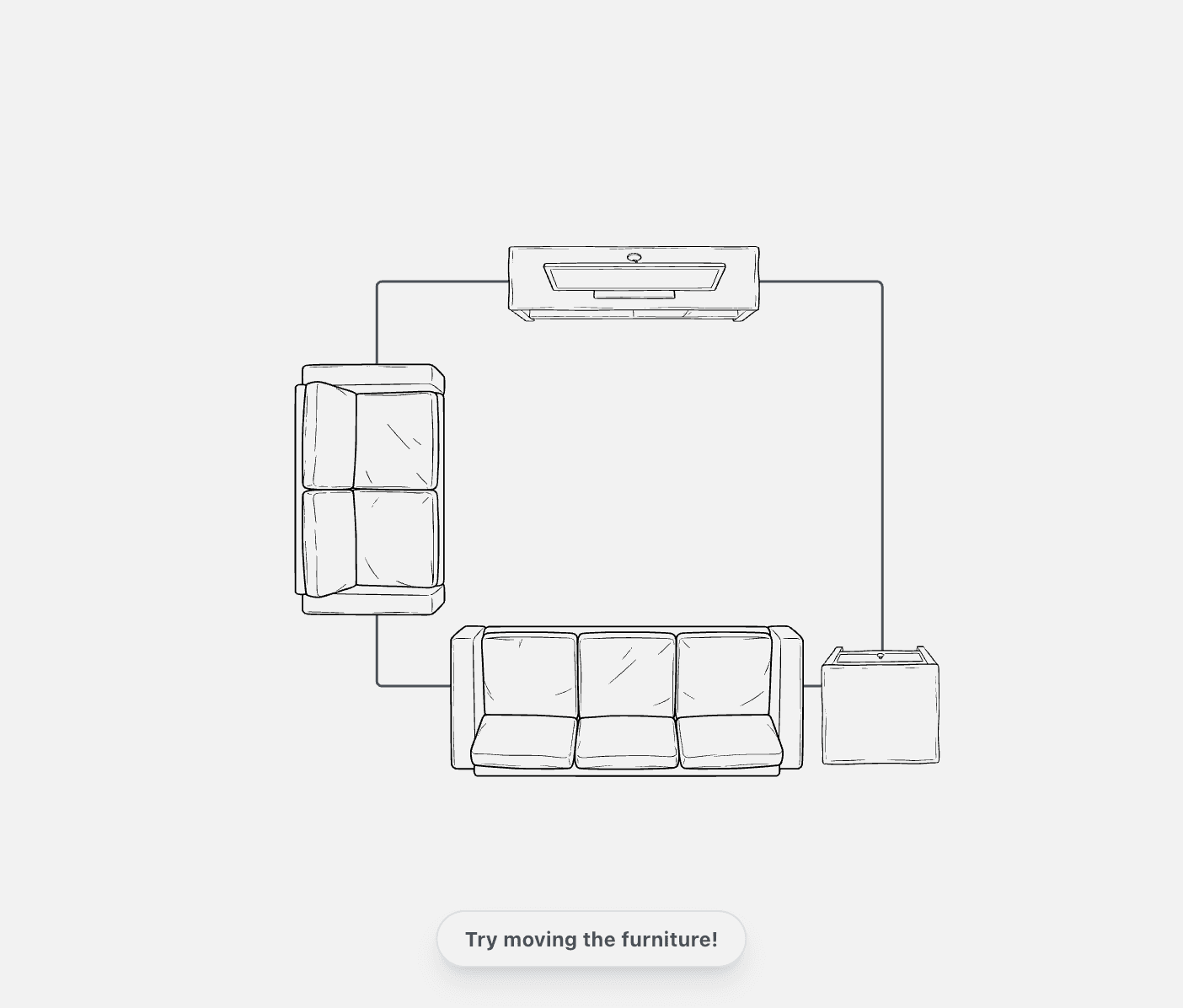
Everything you need. Nothing you don't.
Trace Existing Plans.
Have an old blueprint image? Upload it, set the scale, and trace your walls perfectly in seconds.
Massive Furniture Catalog.
Access our full catalog of furniture, structural elements, and annotations.
Lightning Fast.
Built with Next.js and HTML5 Canvas. No heavy 3D engine to slow down your laptop.
Instant Export.
Download high-res PNGs or save your project file locally. Your designs, your files.
Roadmap
Changelog
We ship updates every week. See what's new, what's fixed, and how we're making RoomyLab better.
Read the full historyDesign Guides
Latest tips and tutorials.
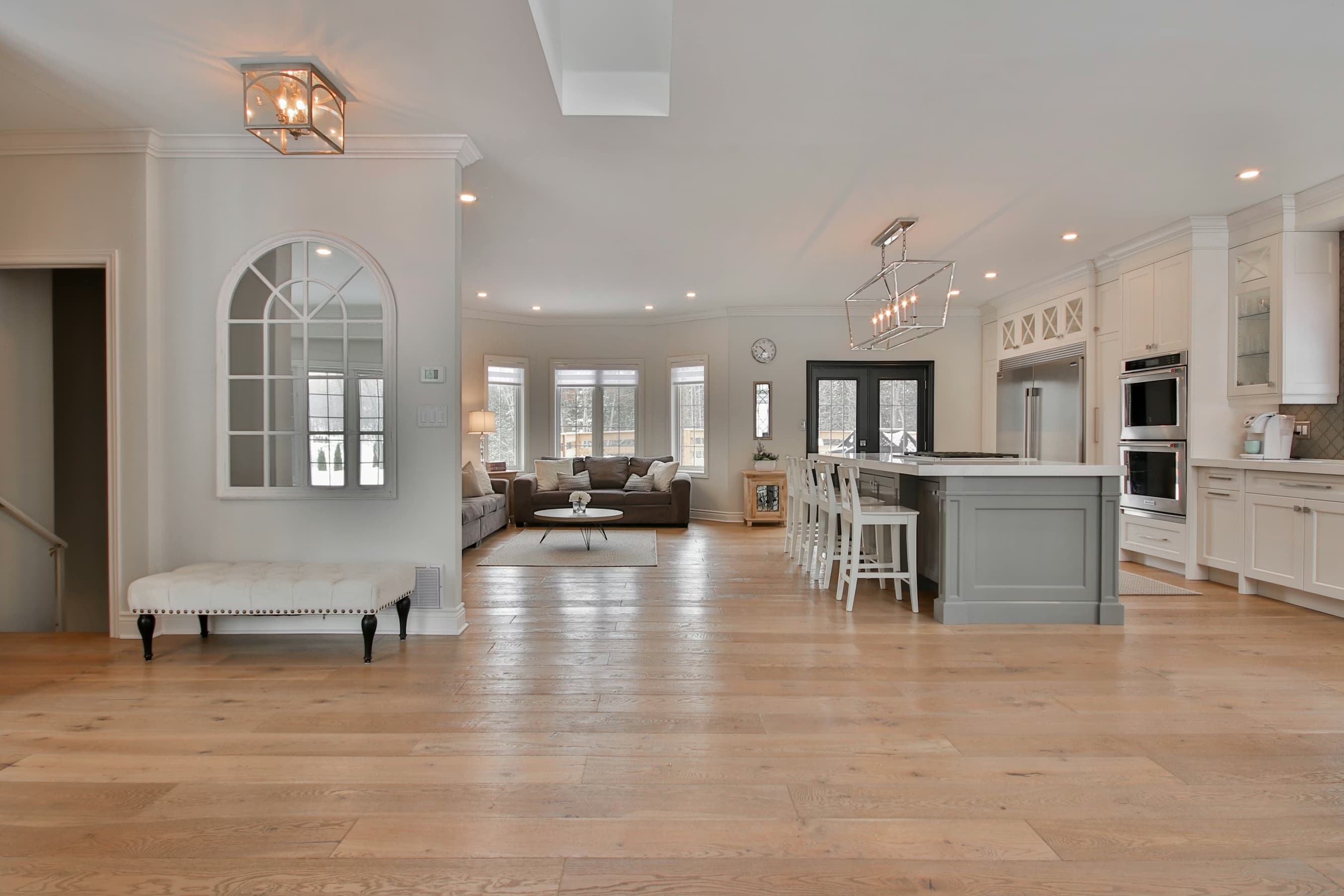
How to Measure Your Room for Flooring
Learn the trick to getting accurate square footage for hardwood or carpet installation without wasting money.
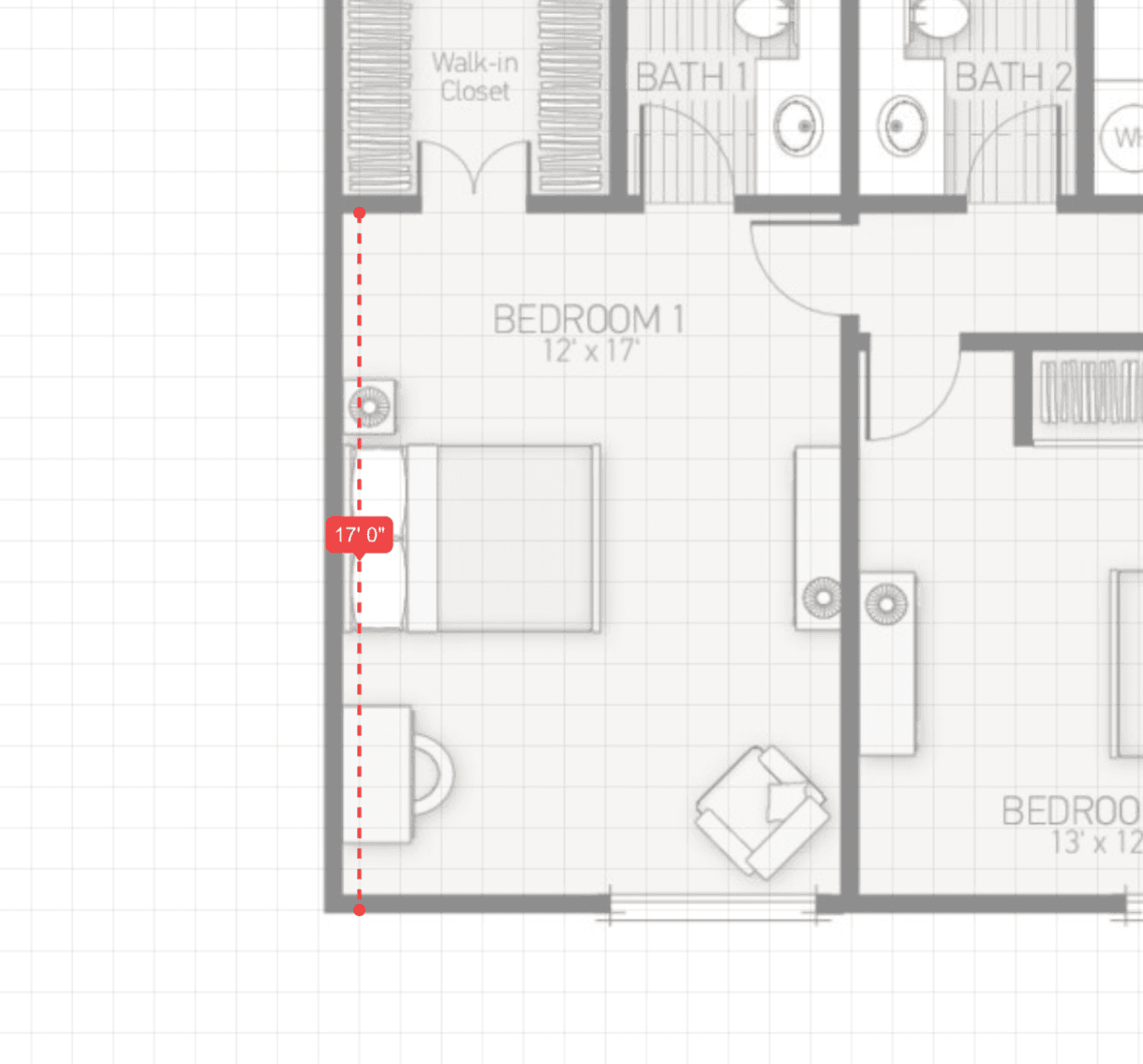
How to Trace an Existing Floor Plan
Stop drawing from scratch. Learn how to upload a photo of your blueprint and turn it into a digital model in minutes.

The Kitchen Work Triangle Explained
Why your stove, sink, and fridge placement matters more than you think when planning a renovation.

Is Open Concept Right for Your Home?
Breaking down walls isn't always the best answer. Here is why you might want to keep some boundaries.
The Smartest Way to Plan Any Room
What is RoomyLab?
RoomyLab is a browser-based floor plan creator that makes accessible interior design a reality for everyone. Unlike complex CAD software that requires hours of training, RoomyLab runs directly in your web browser with professional-grade precision and an intuitive, drag-and-drop interface. Whether you are sketching a quick layout for a new apartment or planning a full-scale home renovation, our tool gives you the power to visualize your space in minutes, not days.
We built RoomyLab to combine the accuracy of professional tools with the simplicity of modern design. You can draw walls, add windows and doors, and place furniture with pixel-perfect accuracy. Our library includes hundreds of customizable items, from standard sofas and beds to specific structural elements like pillars and staircases, ensuring that your digital plan matches your real-world reality.
Who is RoomyLab For?
RoomyLab is built for anyone who needs to understand a space better.
- Homeowners & Renters: Before you buy that sectional sofa or king-size bed, measure your room and test the layout digitally. Save yourself the headache of returning furniture that doesn't fit.
- DIY Renovators: Planning to knock down a wall or remodel a bathroom? Use our tool to visualize the new flow and ensure you have enough clearance for fixtures and walkways.
- Real Estate Agents: Create clean, professional floor plans for your listings to help potential buyers visualize themselves in the home.
- Interior Design Students: Practice your spatial planning skills and experiment with different layouts — professional-grade precision without the learning curve.
- Contractors: Quickly sketch up ideas with clients on-site to ensure you are both on the same page before work begins.
How to Use RoomyLab
Getting started is incredibly simple. You don't need to be an architect to create a professional-looking plan.
- Start Your Project: Click the "Start Designing" button to open the editor. You'll be greeted with a blank canvas.
- Draw Your Walls: Select the Wall Tool and click to draw. The tool automatically snaps to 90-degree angles and shows you exact measurements as you draw. You can type in specific lengths for absolute precision.
- Trace an Existing Plan: If you already have a blueprint or a sketch, use our powerful Trace Plan feature. Simply upload an image, calibrate the scale, and draw directly over it. This is the fastest way to digitize a paper plan.
- Add Fixtures and Furniture: Open the library to find everything from kitchen cabinets to office desks. Drag items onto your plan and use the properties panel to resize them to your exact specifications.
- Customize Details: Change the thickness of walls, adjust the swing of doors, or resize rugs to define zones in your room.
- Export and Share: When you are finished, export your design as a high-quality PNG image or save the project file locally to edit later.
Why Choose RoomyLab?
RoomyLab delivers professional-grade precision without the learning curve. We are privacy-first: your floor plans are saved locally in your browser and on your computer, giving you full ownership of your designs. No cloud dependency, no data harvesting — just a fast, focused tool that respects your workflow.
Whether you need a simple guide to using the tool or advanced tips on accessible interior design, RoomyLab is your partner in creating better spaces. Start designing today and see why thousands of users trust us with their home projects.